
How to Check SBI Life Policy Status Online and Offline in Simple Steps
A comprehensive guide for policyholders to track their SBI Life insurance details. Includes SMS codes, missed call numbers, and step-by-step online login instructions tailored for easy reading.
Why Checking Policy Status Matters?
Your SBI Life policy is a key part of your family's future security. Regular checks ensure your coverage is active, premiums are paid, and benefits are ready when needed. For people aged 25 to 55, who often balance work, family, and savings, this quick step avoids surprises like lapsed policies. SBI Life offers many options, from pure protection like term plans to savings-linked investment plans with growth potential.
Here is a quick overview of SBI Life's popular plan types in 2026:
These plans suit different goals, but all need regular status checks.
How to Check SBI Life Policy Status Online
The easiest way in 2026 is through the official SBI Life website or SmartCare portal. It takes just a few minutes from your phone or computer.
Steps to Check Online via SmartCare Portal:
- Go to the official SBI Life website: www.sbilife.co.in.
- Look for the "Login" option at the top right corner.
- Select "Customer" from the dropdown.
- You will reach the SmartCare portal.
- Log in using your User ID, password, or registered mobile number with OTP/MPIN.
- If new, register with your policy number, date of birth, and mobile/email.
- After login, go to the "My Policy" or dashboard section.
- View details like policy status (active/lapsed), premium due dates, fund value (if ULIP), paid premiums, and coverage amount.
- You can also download statements, pay premiums, or update details here.
This portal gives full access to your life insurance plans info anytime.
Quick Online Tracker for New Applications:
If your policy is still in process, use the Application Tracker:
- Visit www.sbilife.co.in.
- Go to Services > Track Application.
- Enter proposal number and date of birth.
- Submit to see current status.
Using the SBI Life Smart Care Mobile App
Available on both Android and iOS, the app is perfect for the 25–55 age group who prefer "on-the-go" access.
- Download the app from the Play Store or App Store.
- Register using your policy number and date of birth.
- The dashboard provides a visual summary of all your life insurance plans and their current standings.
Other Online Tips:
- Use the SBI Life mobile app (if available) for similar login and checks.
- Pay premiums online via net banking, card, or UPI through the portal to keep status active.
How to Check SBI Life Policy Status Offline
Not everyone prefers online methods. SBI Life offers simple offline ways too.
Via SMS (Quick and Easy):
Send an SMS from your registered mobile number:
- Type: POLSTATUS [space] Your Policy Number
- Send to: 56161 or 9250001848
- You get instant reply with policy status, premium due, and other basics.
This works without internet and is great for busy days.
Via Missed Call Services:
Give a missed call to these numbers for quick updates:
- Fund value: 022-62458501
- Premium paid certificate: 022-62458504
- Policy document dispatch: 022-62458502
These are toll-free and fast.
Via Customer Care Call:
Call the 24x7 toll-free number: 1800 267 9090.
- Share your policy number and details.
- The executive will tell you the status, premium info, or help with queries.
- For NRIs, use +91 22 6928 9090.
Visit Branch:
Go to the nearest SBI Life branch with your policy document or number.
- Staff will check and explain everything.
- Find branches on the website under "Contact Us".
Common Issues and Tips
- If policy shows lapsed, pay overdue premiums quickly to revive it.
- Keep your registered mobile/email updated for OTPs and alerts.
- For 1 crore term plan or online term insurance, check if riders (like critical illness) are active.
- In guaranteed return plan, confirm maturity benefits and bonuses.
- Always use official website to avoid fake sites.
Key Takeaways
- Online check via SmartCare portal is fastest for full details.
- SMS to 56161 is quickest offline method.
- Toll-free 1800 267 9090 helps anytime.
- Regular checks keep your investment plans or protection active.
- Choose plans like 1 crore term plan for high cover or guaranteed return plan for safety.
FAQs on How to Check SBI Life Policy Status Online and Offline in Simple Steps
Yes. You can use the Quick SMS Service by sending POLSTATUS <Policy Number> to 56161 or give a missed call to the dedicated numbers for fund value and premium updates. You can also use the WhatsApp service for an instant summary without navigating the full portal.
The Fund Value represents the total market value of the units you hold in your unit-linked investment plans (ULIPs). It is calculated by multiplying the number of units you own by the current NAV (Net Asset Value). You can check this daily via the Smart Care app or by SMSing FV <Policy Number> to 56161.
If you fail to pay the premium within the grace period (usually 15–30 days), your policy may lapse.
- For a guaranteed return plan, a lapsed status means you might lose the "guaranteed" benefits.
- For term insurance, your life cover stops immediately.
- You can usually revive a lapsed policy within a specific period (often 5 years) by paying the overdue premiums and interest.
Yes, you can update your nominee at any time during the policy term. While some updates require a physical form at the branch, the Smart Care portal allows you to initiate "Service Requests" for minor changes and nominations.

Author Bio
Paybima Team
Paybima is an Indian insurance aggregator on a mission to make insurance simple for people. Paybima is the Digital arm of the already established and trusted Mahindra Insurance Brokers Ltd., a reputed name in the insurance broking industry with 21 years of experience. Paybima promises you the easy-to-access online platform to buy insurance policies, and also extend their unrelented assistance with all your policy related queries and services.


Other Life Insurance Products


Latest Post
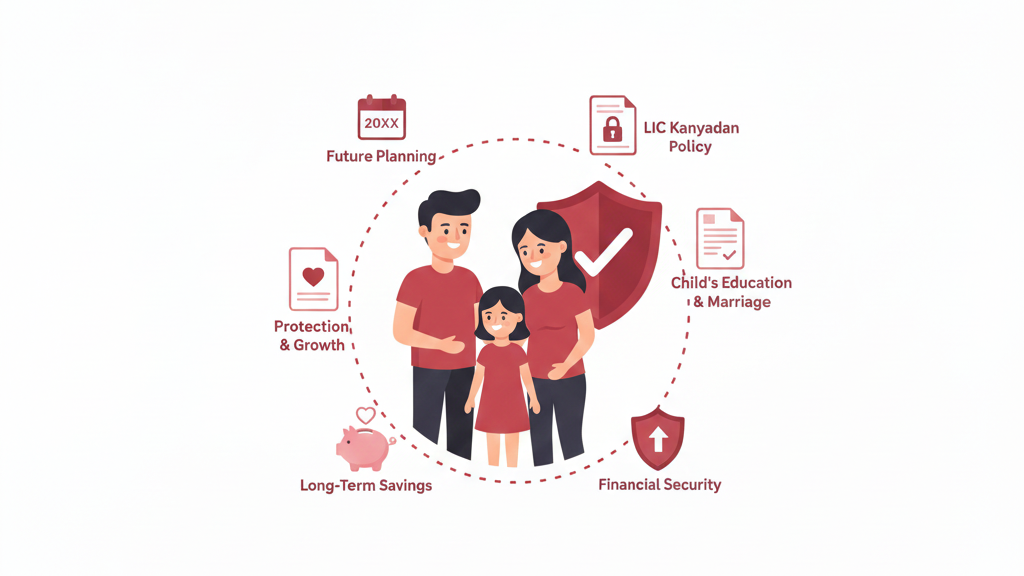
Secure your daughter’s education and marriage in 2026 with LIC’s top child plans. This updated guide has detailed tables, real examples, more features like loans and riders, plus smart tips. Read and plan confidently!

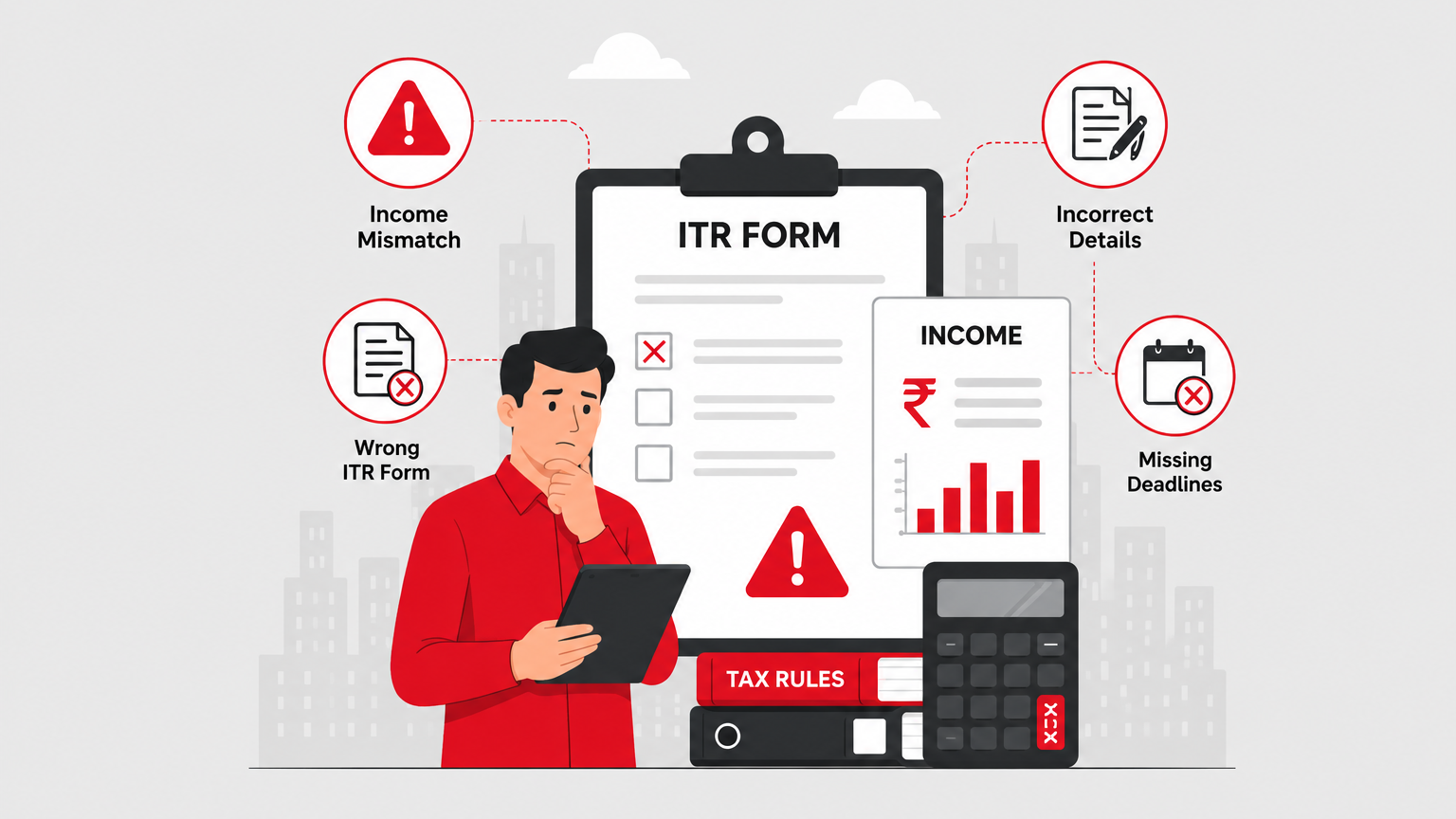
ITR filing for 2026 can feel confusing with income mismatches and form issues. This detailed, simple guide helps working professionals and families avoid costly errors, claim full refunds, and build long-term financial security.
Tax season can be stressful, but avoiding these common ITR mistakes helps you claim rightful refunds faster and stay compliant. Learn practical advice tailored for working professionals and families in India.

Empowering women with financial security! Explore top LIC policies in 2026 tailored for savings, life cover, and family protection. Ideal for working professionals, homemakers, and mothers aged 25-55.
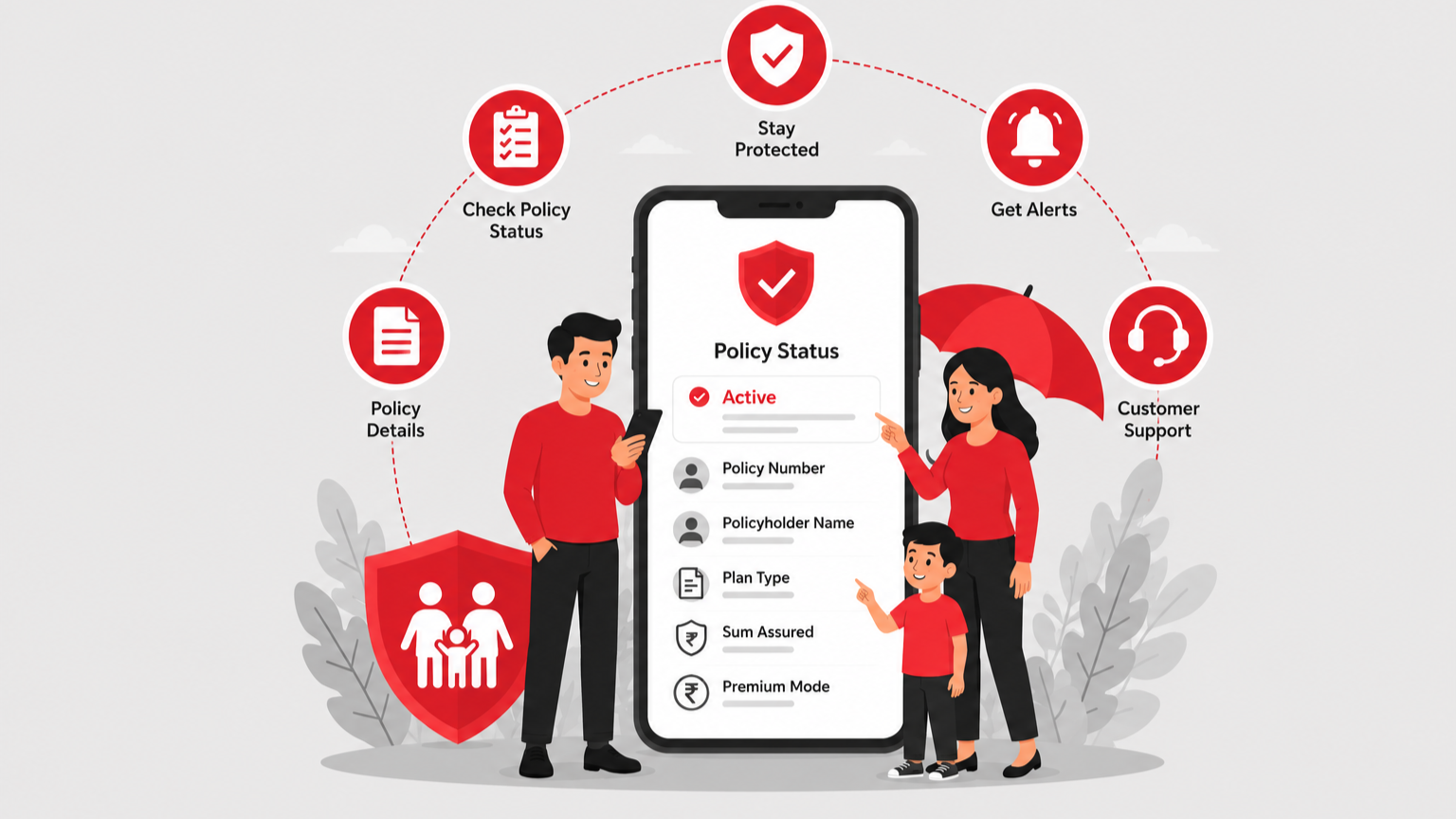
In today’s busy world, keeping track of your life insurance is important for financial security. This easy guide shows how to check your ICICI Prudential policy status quickly so you can manage investment plans, term plans, or guaranteed return plans without stress.


Speak to our Advisor
+91

By clicking the button, I authorize Paybima advisor to contact me via SMS, Email, Phone, WhatsApp or any other modes overriding my 'DND'.T&C Apply.