
How to Change Address on Driving License?
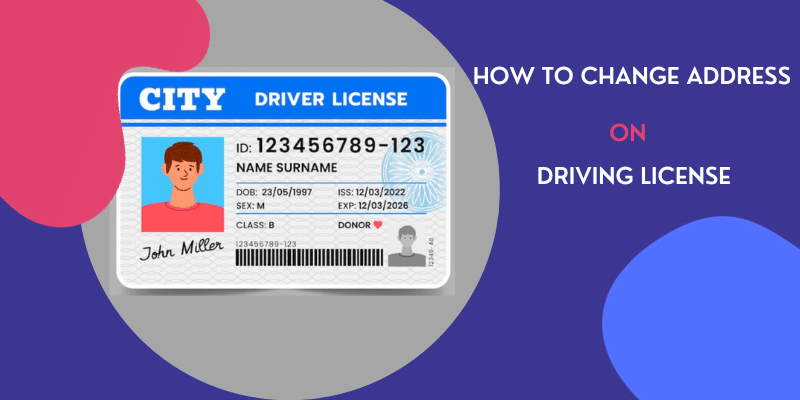
Relocated to a new home in Mumbai or anywhere in Maharashtra? This detailed, easy-to-follow article explains the latest 2026 process to update your driving license address online. Save time, understand documents and fees, and learn why it matters for your two wheeler insurance, four wheeler insurance, and daily driving life. Ideal for working professionals aged 25-55.
Key Takeaways
-
In 2026, changing address on your driving license is quick and mostly online via the official Parivahan Sarathi portal.
-
You need just one valid address proof and around ₹400-500.
-
Complete it soon after moving to stay legally compliant and avoid issues during traffic stops.
-
Track your application using the reference number and SMS updates.
-
An updated DL makes all motor insurance tasks — from renewal to claims — much easier.
-
The new smart card usually reaches your doorstep, making the process truly convenient.
-
Always use only the government website or app to protect your personal data.
Life moves fast, especially in a busy city like Mumbai. When you shift to a new home, many things need updating — your bank details, Aadhaar, and most importantly, your driving license (DL). Your DL is a key identity and legal document for driving any vehicle. In 2026, Indian traffic rules still require the address on your driving license to match your current residential address. An outdated address can create problems during police checks, vehicle inspections, or when handling insurance matters.
The good news is that the Ministry of Road Transport and Highways has made the process much simpler through the Parivahan portal. Most people in the 25-55 age group, who juggle work, family, and daily commutes, can now complete the entire update from their phone or laptop without visiting the Regional Transport Office (RTO) in most cases. This guide explains everything in easy, everyday language so you can finish it quickly and get back to your routine.
Quick Overview of the Process in 2026
Thanks to digital improvements, changing your address on a driving license is now largely contactless. You apply online on the Sarathi Parivahan portal, upload clear scanned documents, pay a small fee, and the new smart card DL is usually delivered to your new address by post. The application itself takes 15-30 minutes, while full processing and delivery typically happen within 15-45 days, depending on your RTO’s workload and verification.
Here’s a clear comparison to help you decide the best way:
Detailed Step-by-Step Guide to Change Address Online (2026)
Follow these steps carefully. The portal is user-friendly, but small mistakes like blurry uploads can delay your application.
1. Open the official website
Go to parivahan.gov.in or directly to sarathi.parivahan.gov.in on any browser (Chrome works best). You can also use the mParivahan app for tracking later, though the main application is done on the website.
2. Select the right service
On the homepage, click “Online Services” → “Driving Licence Related Services”. Choose your state (Maharashtra for Mumbai residents) from the drop-down list.
3. Choose “Services on Driving License”
Click on “Services on Driving License (Renewal/Duplicate/Etc.)” or look for “Apply for Change of Address”. Click “Continue”.
4. Enter your current DL details
Type your exact 16-digit Driving License number and Date of Birth as printed on your old DL. Enter the captcha and click “Get DL Details”. The system will pull up your existing information automatically.
5. Select the service and fill new address
From the list of available services, choose “Change of Address”. Carefully enter your complete new residential address. Select the correct new RTO office based on your current locality in Maharashtra. Make sure the address matches the proof you will upload — even small differences can cause rejection.
6. Upload required documents
The portal will ask for scanned copies or clear mobile photos (JPG/PNG/PDF, usually under 2 MB each). Upload your current DL (both sides), new address proof, and any other asked files. Ensure images are sharp and well-lit.
7. Review, pay the fee, and submit
Double-check all entered details. Pay the fee online. You will receive an instant acknowledgment with an application reference number. Save or screenshot it.
8. Track your application regularly
Go back to the portal → “Application Status” and enter your reference number. You will also get SMS alerts on your registered mobile number. If the system asks for any additional verification (rare), you may need to visit the RTO.
9. Receive your updated DL
Once approved and printed, the new smart card driving license with your updated address is dispatched by post to the new address you provided. Keep your old DL safe until the new one arrives — it remains valid during the process.
Helpful Tip: Do this process during weekdays when the portal is less crowded. Keep a good internet connection and a charged phone ready.
Documents Required for Address Change (2026)
You need only a few clear documents. Here is the latest accepted list:
Other mandatory items:
-
Scanned copy of both sides of your current valid Driving License
-
Recent passport-size photograph (if the portal prompts for it)
-
Your mobile number must be linked to Aadhaar for OTP verification
Always upload high-quality images. Blurry or cut-off documents are the most common reason for delays.
Fees and Expected Timeline in Maharashtra (2026)
The government keeps fees reasonable and uniform across most states.
Timeline:
-
Application submission: Instant
-
Document scrutiny & approval: 7-30 days
-
Printing and dispatch: Additional 7-15 days
-
Total: Usually 15-45 days in Maharashtra. Peak seasons (like year-end) may take longer.
If your application is stuck, you can raise a grievance on the portal or contact your local RTO helpline with the application number.
Offline Process – When to Choose It
If you don’t have a scanner or prefer face-to-face help, visit your issuing RTO or the new area RTO. Carry:
-
Filled Form 33 (available on Parivahan or at RTO)
-
All original documents + photocopies
-
Current DL
Submit at the counter, pay the fee, and complete any biometric capture if required. This method takes more time and effort, so online is strongly recommended for working adults.
Why Updating Your DL Address Is Important – Especially for Insurance
An updated driving license keeps you legally safe on the road. It also makes everyday vehicle-related tasks smoother. When you need to renew car insurance, handle a claim, or manage your motor insurance policy, insurers often cross-check your DL details. A matching address avoids unnecessary questions or delays.
The same applies if you ride a bike — updating helps when you buy insurance online for bike or renew your two wheeler insurance. For those with cars, it simplifies four wheeler insurance and car policy renewal. Many drivers also include personal accident insurance as an add-on for extra safety. Even if you have a commercial vehicle insurance policy, correct records reduce paperwork hassles. In short, one small update today prevents bigger problems tomorrow when dealing with online car insurance or motor insurance renewal.
Common Mistakes People Make (and How to Avoid Them)
-
Entering the new address differently from the proof document
-
Uploading low-quality or cropped photos
-
Forgetting to select the correct RTO for the new area
-
Ignoring SMS alerts from Parivahan
-
Applying with an expired DL (renew first if needed)
Take time to review everything before final submission.
FAQs on How to Change Address on Driving License?
Yes, for most applicants the process is online and contactless. You only visit the RTO if specifically asked for verification.
The base fee is ₹200. With smart card and postage, the total usually comes to ₹400-500.
Normally 15-45 days from the date of application, including processing and postal delivery.
No. Upload clear scanned copies or photos. Keep originals safely with you.
First complete the address change in your current DL. You may later need an NOC (No Objection Certificate) from the old RTO if transferring fully.
Yes, it is the easiest and most widely accepted document.
No. Your existing DL remains fully valid until you receive the updated smart card.
The main application is on the Sarathi website. Use the mParivahan app mainly for checking status, viewing virtual DL, and receiving notifications.

Author Bio
Paybima Team
Paybima is an Indian insurance aggregator on a mission to make insurance simple for people. Paybima is the Digital arm of the already established and trusted Mahindra Insurance Brokers Ltd., a reputed name in the insurance broking industry with 21 years of experience. Paybima promises you the easy-to-access online platform to buy insurance policies, and also extend their unrelented assistance with all your policy related queries and services.


Other Motor Insurance Products


Latest Post
Secure your daughter’s education and marriage in 2026 with LIC’s top child plans. This updated guide has detailed tables, real examples, more features like loans and riders, plus smart tips. Read and plan confidently!

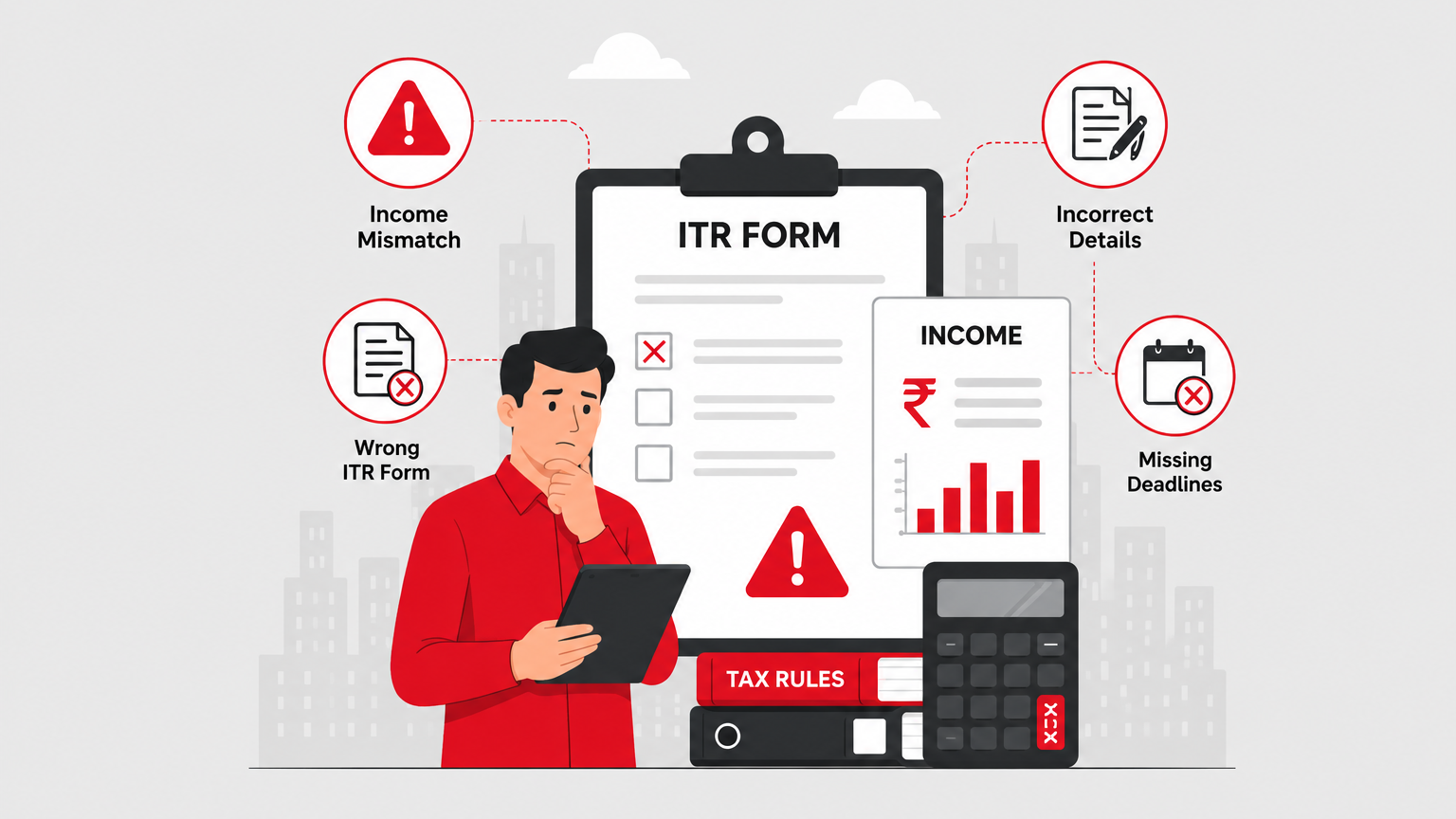
ITR filing for 2026 can feel confusing with income mismatches and form issues. This detailed, simple guide helps working professionals and families avoid costly errors, claim full refunds, and build long-term financial security.
Tax season can be stressful, but avoiding these common ITR mistakes helps you claim rightful refunds faster and stay compliant. Learn practical advice tailored for working professionals and families in India.
Empowering women with financial security! Explore top LIC policies in 2026 tailored for savings, life cover, and family protection. Ideal for working professionals, homemakers, and mothers aged 25-55.
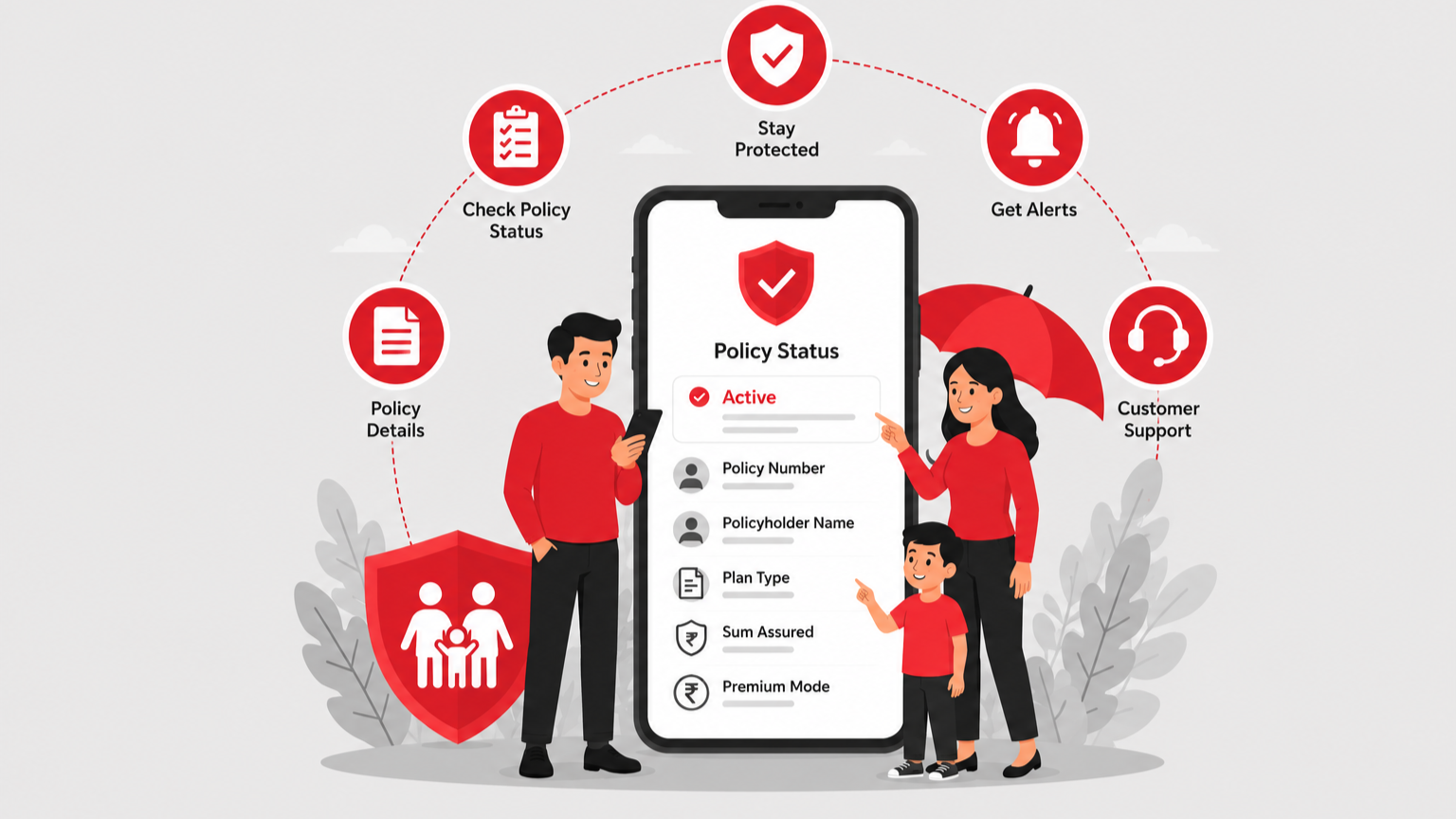
In today’s busy world, keeping track of your life insurance is important for financial security. This easy guide shows how to check your ICICI Prudential policy status quickly so you can manage investment plans, term plans, or guaranteed return plans without stress.


Speak to our Advisor
+91

By clicking the button, I authorize Paybima advisor to contact me via SMS, Email, Phone, WhatsApp or any other modes overriding my 'DND'.T&C Apply.